Framer is fast, flexible, and popular for building modern websites. But it’s not the best fit for everyone. Some users want better pricing, more control, stronger CMS features, or tools that scale better for teams and clients. If you’re searching for framer alternatives, you’re likely looking for something more powerful, more affordable, or simply easier to work with.
This guide is built for people who already know what they want: a serious website builder that performs well in 2026. Each tool on this list has been tested in real-world use cases, including marketing sites, SaaS pages, portfolios, landing pages, and content-heavy websites.
Below, you’ll find the 7 best Framer alternatives in 2026, with clear pricing, ideal use cases, and honest trade-offs. The goal is simple: help you choose the right platform faster, with confidence, and without wasting time on tools that won’t meet your needs.
Framer’s Key Features: What It Does Well and Where It Falls Short
Framer is built for speed at the design stage. It helps teams turn ideas into live pages fast, without setting up complex systems. For early launches and visual demos, it removes many steps between design and a working site.
Visual Editing and Prototyping
Framer shines in drag-and-drop design and live previews. Designers can build screens, link flows, and test layouts across devices in real time. Teams move quickly on visuals, but advanced interactions often require code.
Content Management and CMS
Framer includes a basic CMS for simple blogs and pages. It works well for small sites with limited updates. As content grows, many changes still depend on developers, which can slow teams that need frequent edits.
Integrations and Automation
Framer supports embeds and limited integrations through custom code. Simple forms and tracking are easily added. Deeper workflows often need external tools or scripts, adding setup and upkeep.
Custom Code and Scalability
Custom code unlocks Framer’s more powerful features. Developers can extend designs with React or JavaScript. This adds flexibility, but scaling traffic and content usually means higher plans and more hands-on work.
Best for: Teams already using Notion who need scalable, gated, and content-driven sites
Pricing: Starts at $9/month with AI styling, memberships, and unlimited publishes
Bullet.so is built for teams that have outgrown Framer’s design-first limits and need a system that can handle real content and real growth. It turns Notion pages into fully working websites where updates happen in one place and go live without developer help. What begins as internal docs becomes a production site without rebuilds, exports, or fragile handoffs.
Teams choose Bullet.so when Framer slows them down. Content edits no longer wait on designers. Marketers can publish, update, and scale pages on their own. Agencies can run dozens of client sites without rising per-site costs or locked plans. The workflow stays simple even as traffic, pages, and contributors increase.
Bullet.so fits best when a site is more than visuals. It handles blogs, knowledge bases, gated content, communities, and multi-language pages while keeping editing clean and controlled inside Notion.
Key Features
AI Visual Styling on a Live Canvas: Design changes happen through plain-language prompts instead of code or manual tweaks. The AI adjusts layout, spacing, fonts, and structure across pages while keeping content intact. Teams avoid the endless polishing cycle that comes with Framer exports and theme overrides.
Real CMS Powered by Notion Databases: Notion databases act as a full CMS, not a workaround. Blogs, directories, search pages, and collections stay structured as content grows. Editors add entries without breaking layouts or asking for rebuilds.
Team Editing with Version History: Multiple contributors can work safely at the same time. Changes are tracked, versions can be restored, and the original Notion content remains protected. This prevents last-minute errors during launches and client reviews.
Built-In SEO and Performance Handling: Pages ship with clean metadata, fast loading, and proper indexing. Sites remain stable during traffic spikes and convert better than raw embeds or design-heavy builds.
Best for: Teams that need a smarter, self-maintaining help center and documentation tool
Pricing: Starts $29/month (details via bunnydesk.ai)
BunnyDesk AI is an AI-built platform for help centers and documentation that keeps your content fresh and friendly to users. It uses AI to scan your existing docs, guide users with accurate answers, and update your knowledge base as your product changes. Teams often look at BunnyDesk when they want smarter support tools alongside site content, especially if static pages feel out of date or difficult to maintain.
Where Bullet.so leans on Notion for content flow, BunnyDesk focuses on making support and documentation easier for your customers to find and use. The AI understands your docs and replies in context, so users get helpful answers without digging through long manuals. This feels fast for teams that need help tools tied to product updates or customer questions.
BunnyDesk works best when your priority is clear, interactive documentation that updates itself and answers questions instantly. It helps cut down support load and makes product info easier to maintain over time.
Key Features
AI-Driven Help Answers: The AI reads your docs and supplies direct answers to user queries. This saves time for support teams and makes your help center appear more professional.
Self-Updating Documentation: As your product or FAQ content changes, AI keeps the help content up to date without manual edits.
Improved Content Discoverability: Users find what they need faster because the system understands context and points them to the right info.
Reduced Support Load: AI instantly answers common questions, freeing your team to handle more complex issues.
#3. Webflow
Best for: Design-focused teams needing pixel-level control
Pricing: Site plans from $14/month
Webflow is built for teams that care deeply about layout precision, animations, and brand presentation. It gives designers fine-grained control over styling, interactions, and responsiveness without writing full front-end code.
Teams move to Webflow when Framer feels limiting for advanced design work. Compared to content-first tools, Webflow offers deeper visual control but requires more technical skill and ongoing management.
Webflow fits best for marketing sites, landing pages, and e-commerce projects where visual quality directly impacts conversions, but is less ideal for content-heavy sites needing frequent non-designer edits.
Key Features
Scroll-Based Animations: Designers can create complex interactions and motion effects without writing JavaScript. These animations enhance storytelling and engagement on marketing pages where visuals influence conversions.
Breakpoint Controls: Layouts can be adjusted independently for different screen sizes. This gives teams precise control over mobile, tablet, and desktop experiences, avoiding responsive guesswork.
Reusable Assets: Components and styles can be shared across pages and projects. This speeds up builds for agencies managing multiple sites and ensures consistency across client work.
Native Stripe Integration: Payments and checkout flows work directly inside Webflow without third-party embeds. This reduces friction and improves conversion rates for e-commerce and paid landing pages.
Structured CMS: Webflow’s CMS supports blogs and standard collections cleanly. Marketers can update content independently, though deep relational content is limited compared to Notion-based systems.
#4. Squarespace
Best for: Creators and small brands focused on publishing
Pricing: From $16/month
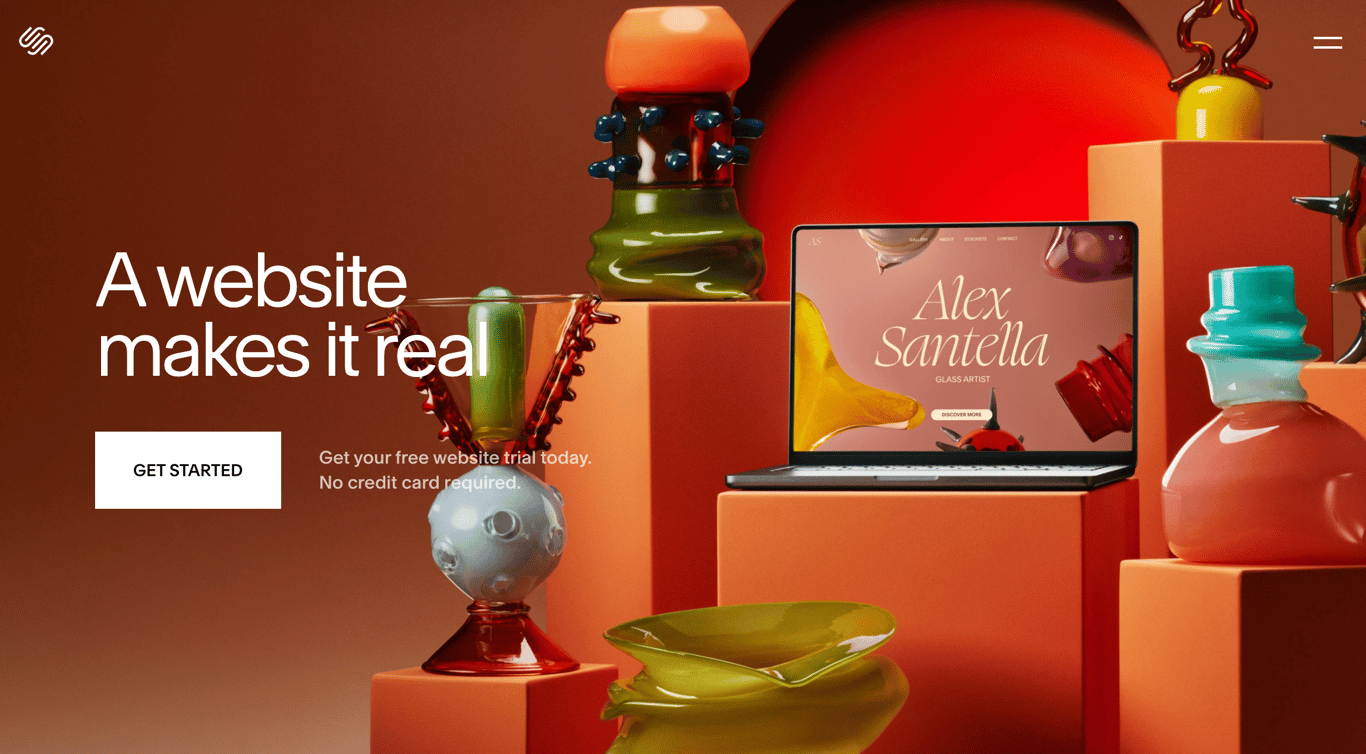
Squarespace combines templates, hosting, and marketing tools into one platform. It emphasizes ease of use and consistency, making it accessible without technical knowledge.
Teams choose Squarespace when they want a polished site without managing integrations or complex CMS structures. Built-in blogging, email campaigns, and analytics simplify workflows.
Squarespace fits best for portfolios, blogs, and personal brands, but lacks flexibility for structured, content-heavy systems.
Key Features
Professional Templates: Pre-designed layouts provide a polished look from day one. Users can launch without design expertise or custom styling.
Built-In Campaigns: Email newsletters and marketing automation are included natively. Creators grow audiences without relying on third-party tools.
Mobile Editing: Content can be updated directly from a mobile app. This keeps sites fresh even when working away from a desktop.
Light Commerce: Simple product and service sales are supported without full e-commerce complexity. Ideal for digital products or bookings.
Native Analytics: Traffic and engagement insights are available without external setup. Creators can make decisions without Google Analytics.
#5. WordPress
Best for: Content-heavy sites needing full control and extensibility
Pricing: Free core; hosting and plugins vary
WordPress is a flexible, open-source CMS used for blogs, publications, and complex websites. It supports thousands of plugins and themes, allowing teams to customize nearly every aspect of a site.
Teams choose WordPress over Framer when they need ownership, advanced SEO control, or custom workflows. It scales well for large content libraries and long-term publishing strategies.
WordPress fits best for editorial sites and businesses with technical resources. Compared to Framer, it requires more setup, maintenance, and security management.
Key Features
Extensive Plugin Ecosystem: Thousands of plugins add SEO, performance, security, and custom functionality. Teams can extend WordPress to fit nearly any workflow.
Flexible Content Modeling: Custom post types and taxonomies support complex content structures. This makes WordPress suitable for large editorial sites.
Advanced SEO Control: Detailed optimization through plugins and custom code allows fine-grained search visibility control.
Self-Hosting Flexibility: Sites can be hosted anywhere, giving full ownership of infrastructure and data.
Long-Term Scalability: Proven at scale for publishers, enterprises, and high-traffic sites.
#6. Figma
Best for: UI/UX design and team collaboration
Pricing: Free plan available; paid plans from $12/editor/month
Figma is a collaborative design tool used to create wireframes, UI layouts, and design systems. It excels at real-time collaboration and design iteration.
Teams choose Figma over Framer during the design phase, where ideation and feedback matter more than live output. It is the industry standard for product design workflows.
Figma fits best before development begins. Unlike Framer, it does not publish live websites or handle content updates.
Design Systems: Shared components, styles, and variables maintain consistency across large product teams.
Interactive Prototyping: Clickable flows allow teams to test user journeys before development begins.
Developer Handoff: Inspectable specs, assets, and measurements streamline engineering workflows.
Cross-Team Workflow: Designers, product managers, and engineers collaborate in a single workspace.
#7. Ghost
Best for: Content creators running blogs, newsletters, and memberships
Pricing: From $9/month
Ghost is a publishing-focused platform designed for writing and content distribution. It offers a clean editor, fast performance, and built-in memberships.
Teams choose Ghost over Framer when publishing and subscriptions are the core business. Native newsletters and paywalls remove the need for external tools.
Ghost fits best for media brands and independent writers. Compared to Framer, it offers limited design flexibility beyond content layouts.
Key Features
Clean Writing Experience: A distraction-free editor designed for long-form publishing and editorial workflows.
Built-In Memberships: Native paywalls and subscriber management support content monetization without plugins.
Newsletter Publishing: Email distribution is built into the platform, eliminating third-party tools.
Fast Performance: Lightweight architecture ensures quick page loads and strong Core Web Vitals.
SEO-Friendly Output: Clean markup and structured metadata help content rank reliably.
How to Choose the Right One
Start with your budget. Tools in the $9–$20/month range are usually enough for solo work, basic sites, and templates. Plans between $20–$50/month are better for teams, content-heavy sites, and long-term growth. Agencies often look for plans that allow multiple sites without paying per project, while freelancers can test free plans before upgrading.
Next, think about speed versus flexibility. AI-based tools are great if you need to launch quickly or ship new pages often. Platforms with more customization work better when your site needs logic like logins, permissions, or complex workflows. Visual builders shine for polished one-off sites, while content-focused tools handle ongoing changes better over time.
Finally, consider how often your content changes. If you update blogs, docs, or directories regularly, you’ll need a strong CMS that lets non-technical teams edit safely. If your site changes only during redesigns, a visual builder focused on animations and layout may be enough.
Wrapping Up: Framer Alternatives
Teams move away from Framer when they need better content control, easier collaboration, and predictable costs. The right alternative reduces reliance on developers and supports growth without constant rebuilds.
Choose a platform that fits how your team works today and can still support you as the site grows. The best option is the one that stays simple now and doesn’t become a blocker later.
Frequently Asked Questions (FAQs)
1. Why do teams switch away from Framer?
Teams usually leave Framer when content updates become hard to manage, costs increase with traffic or sites, or edits require designers or developers. Framer works well for visual launches, but many teams outgrow it as content and collaboration needs increase.
2. Is Webflow better than Framer?
Webflow is better for teams that need precise layout control, advanced animations, and responsive design. Framer is faster for quick launches and prototypes, while Webflow suits polished marketing sites that need long-term visual control.
3. Can I build a content-heavy site without Framer?
Yes. Platforms like WordPress, Bullet.so, Ghost, and Contentful are built specifically for content-heavy sites. They handle blogs, documentation, directories, and frequent updates more reliably than design-first tools like Framer.
4. Is Framer good for SEO compared to its alternatives?
Framer supports basic SEO, but content-focused platforms often offer better long-term SEO control. Tools with stronger CMS features make it easier to manage metadata, internal linking, and large content libraries over time.
5. Which Framer alternative is best for non-technical users?
Squarespace, Wix, and Bullet.so are popular among non-technical users. They offer simpler editing, fewer setup steps, and less ongoing maintenance compared to developer-focused tools.
 Made with Bullet