Exclude your own visits from analytics by setting a flag in your browser’s local storage. Follow the steps below.
## Steps to Exclude Your Own Visits:
1. Open your website in your browser.
2. Open the Developer Console:
- Press `F12` or `Ctrl + Shift + I` (or `Cmd + Option + I` on Mac)
3. This will open the **Developer Tools**. Navigate to the **Console** tab.
4. If you're in a different tab like "Network" or "Elements," click on "Console" to switch.
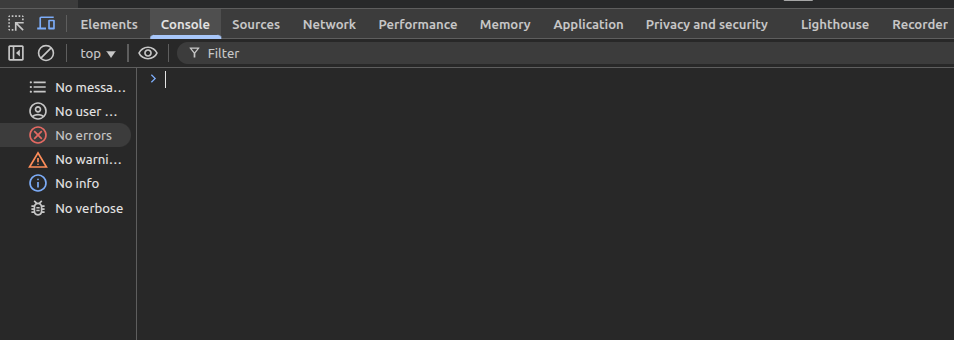
5. In the Console, paste the following line of code and hit **Enter**:
```javascript
localStorage.setItem('umami.disabled', 'true')
```
1. Refresh the page. Your visits will now be excluded from tracking on that browser.
---
**Note:**
- This setting only applies to the specific browser and device where it was set.
- If you use a different browser or device, repeat these steps there.
- This is especially helpful for internal team visits, QA testing, or development environments.
How to Exclude Your Own Visits from Analytics
Exclude your own visits from analytics by setting a flag in your browser’s local storage. Follow the steps below.
