You can use advanced video attributes inside a video caption. These control attributes, while not visible on the website, act as meta properties that allow you to manage video behavior more precisely.
## 1. Upload Video
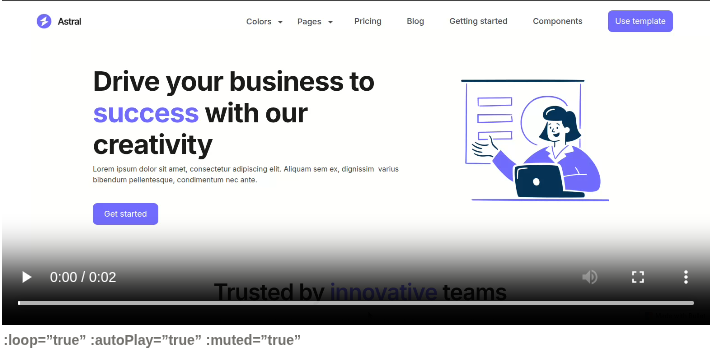
Use the following attributes in the **video caption**:
```
:loop="true" :autoPlay="true" :muted="true"
```
Above attributes is used to automatically starts playing the video when the page loads.
> 💡 Note: These video attributes should be added in the video caption of your Notion page. They won’t appear visually on your website but will control the video’s behavior.
## 2. Embed via URL
When embedding a video link (e.g., YouTube), you can customize playback by adding attributes at the end of the URL.
**Example URL:**
```plain
https://www.youtube.com/embed/VIDEO_ID?autoplay=1&mute=1&controls=0&loop=0
```
**Common URL attributes:**
```visual
?autoplay=1&mute=1&controls=0&loop=0
```
**Attribute explanations:**
- `autoplay=1` → Video starts automatically
- `mute=1` → Video is muted
- `controls=0` → Player controls are hidden
- `loop=0` → Video does not loop
> **Note:** Use `1` for true and `0` for false. You can combine multiple parameters using `&`.
Video Customization in Bullet
You can use advanced video attributes inside a video caption. These control attributes, while not visible on the website, act as meta properties that allow you to manage video behavior more precisely.
Use the following attributes in the video caption:
none
:loop="true" :autoPlay="true" :muted="true"
Above attributes is used to automatically starts playing the video when the page loads.
💡 Note: These video attributes should be added in the video caption of your Notion page. They won’t appear visually on your website but will control the video’s behavior.
