Knowledge base
Knowledge Base Widget
You can use this script to open a widget within your website.
Adding a widget directly to an app or website.
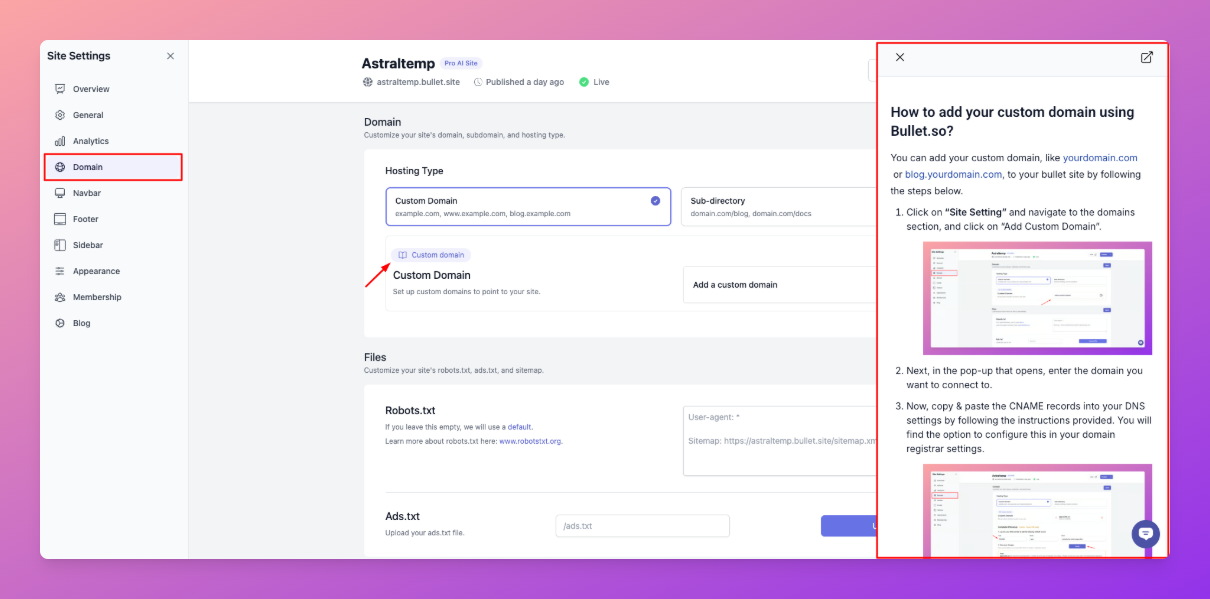
Import the Script into Your App
- First, add the following widget script to your app. This could be in your index file.
html
<script type="text/javascript" src="https://templates.bullet.so/bullet.so/kb/widget.js"></script>
Add a button in your codebase.
- To open the widget, call the function below to open the page with the link of the page that you want to open.
javascript
Widget.open('www.example.com',{ width: 500 })
- Example: Calling the function with the button's onclick method.
html
<button onclick="Widget.open('www.example.com',{ width: 500 })">OpenWeb</button>