How to's
How to Unpublish an Existing Page
There are a few ways to stop a Notion page from appearing on a website.
- Disable the Publish property in Notion. This is the easiest way to control if the page should appear directly from Notion. Any database page which has the property called “Publish” and unchecked will not be published.
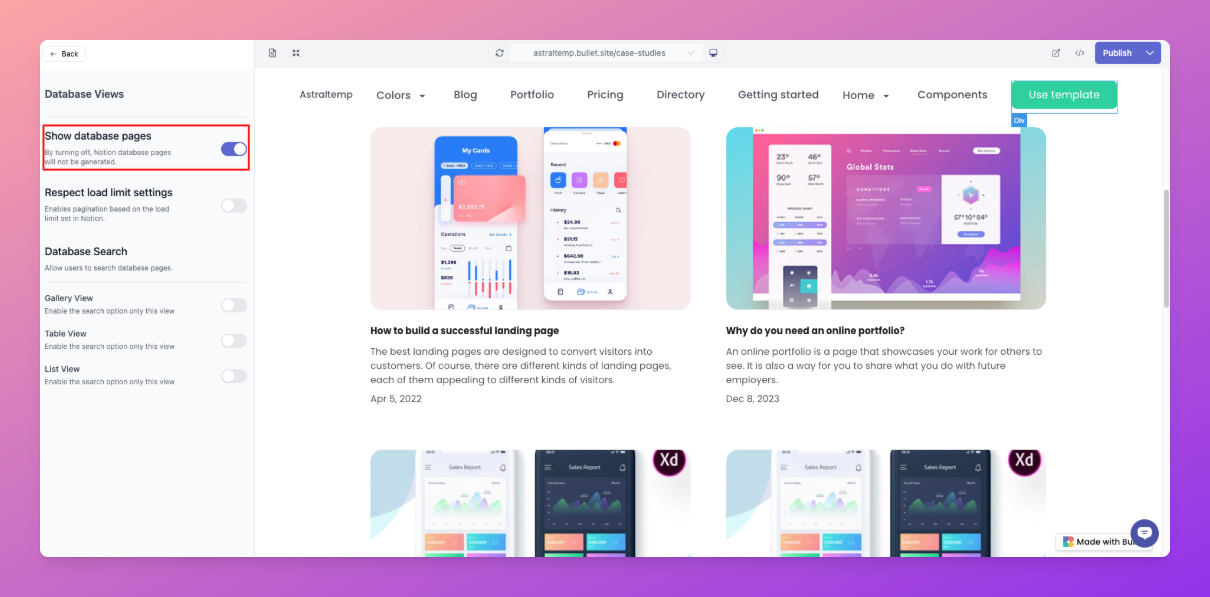
- For the database collection page, sometimes the database collection page is not easily controllable in Notion. For these pages, you can turn off “Show Database pages” option inside Themes > Database views.
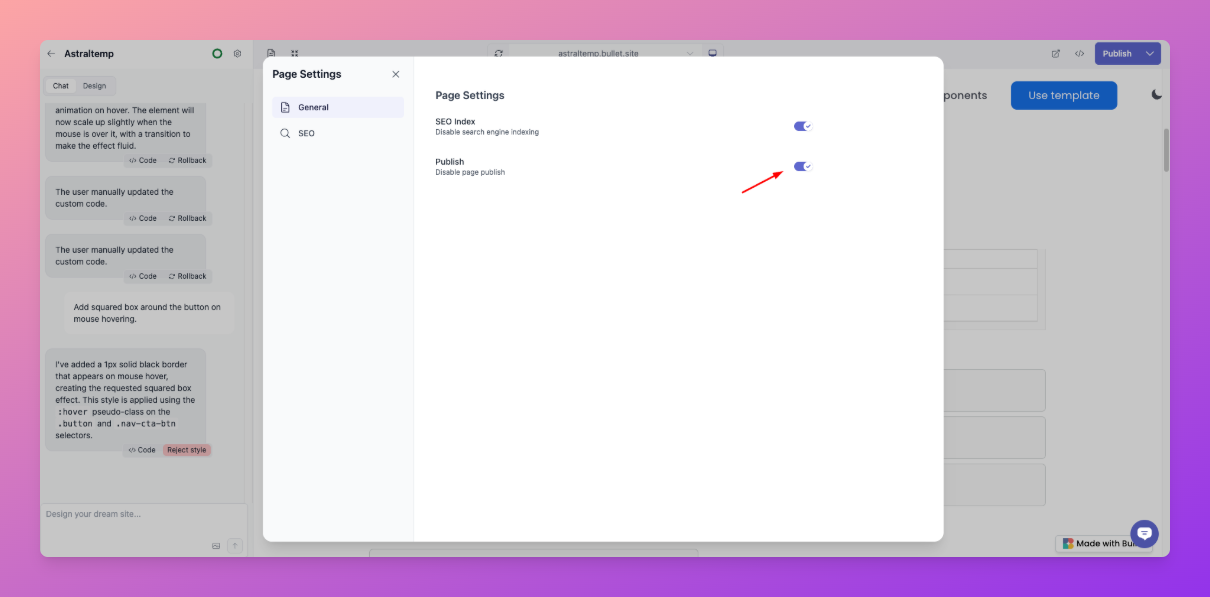
- You can also turn off pages that you don’t want to be published under Page Settings > Publish.